Mac menu bar app

Check filename portability
Catch filename conflicts before handing a folder to another platform.
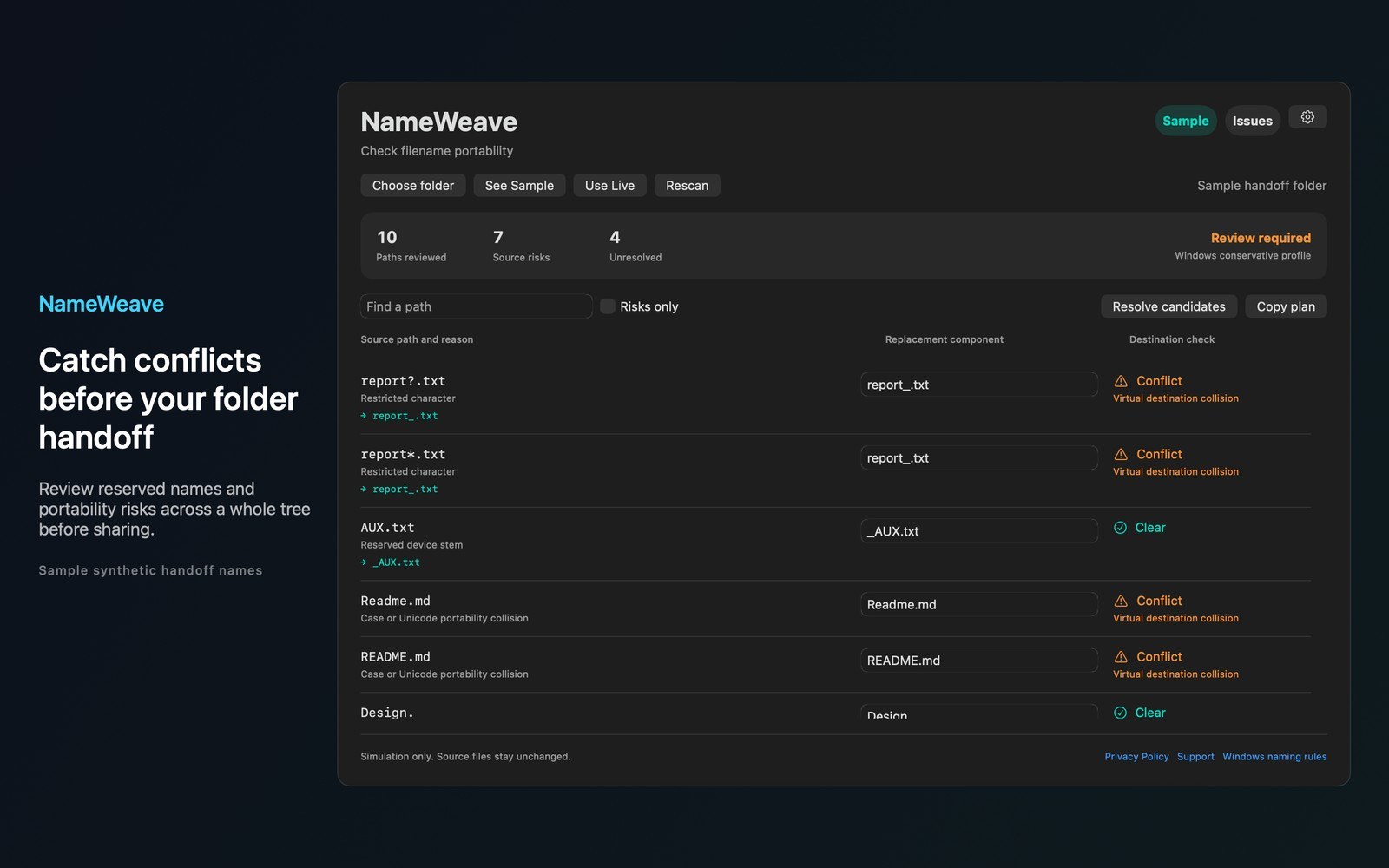
What the price covers Review a whole handoff tree and test replacement names together before sharing your folder.
Check the App Store purchase and refund terms when the app is released.
Requires macOS 14.0 or later
What it does
What NameWeave does
From the menu bar
Catch filename conflicts before handing a folder to another platform. NameWeave audits your selected folder and helps you build a replacement plan without changing source files.
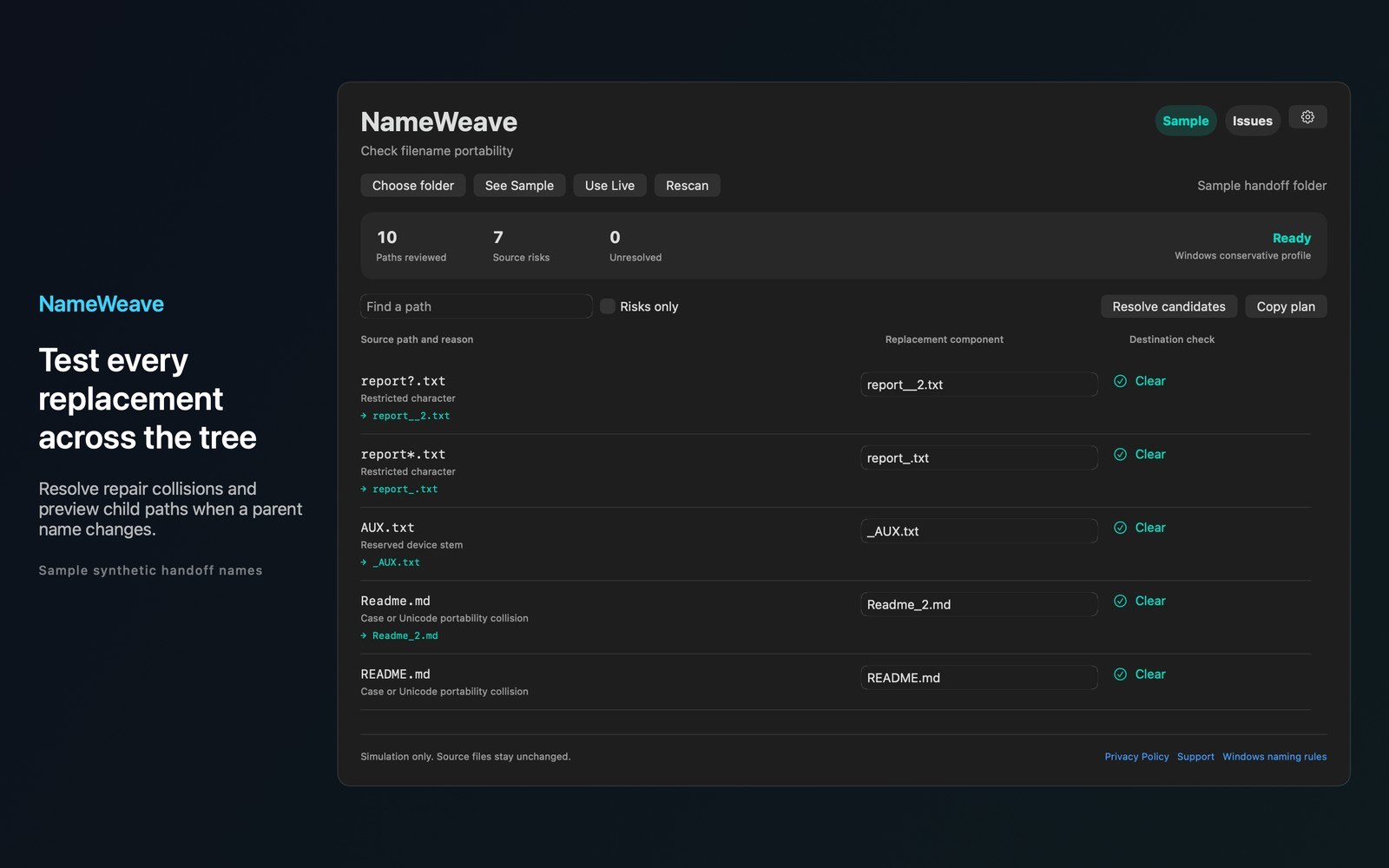
- Inside the appReview reserved device names, restricted characters and trailing dots or spaces under a labeled Windows compatibility profile. See case and Unicode normalization risks in the same folder. These conservative checks are compatibility targets rather than guarantees about every filesystem or application. Preview replacement names across the whole tree.
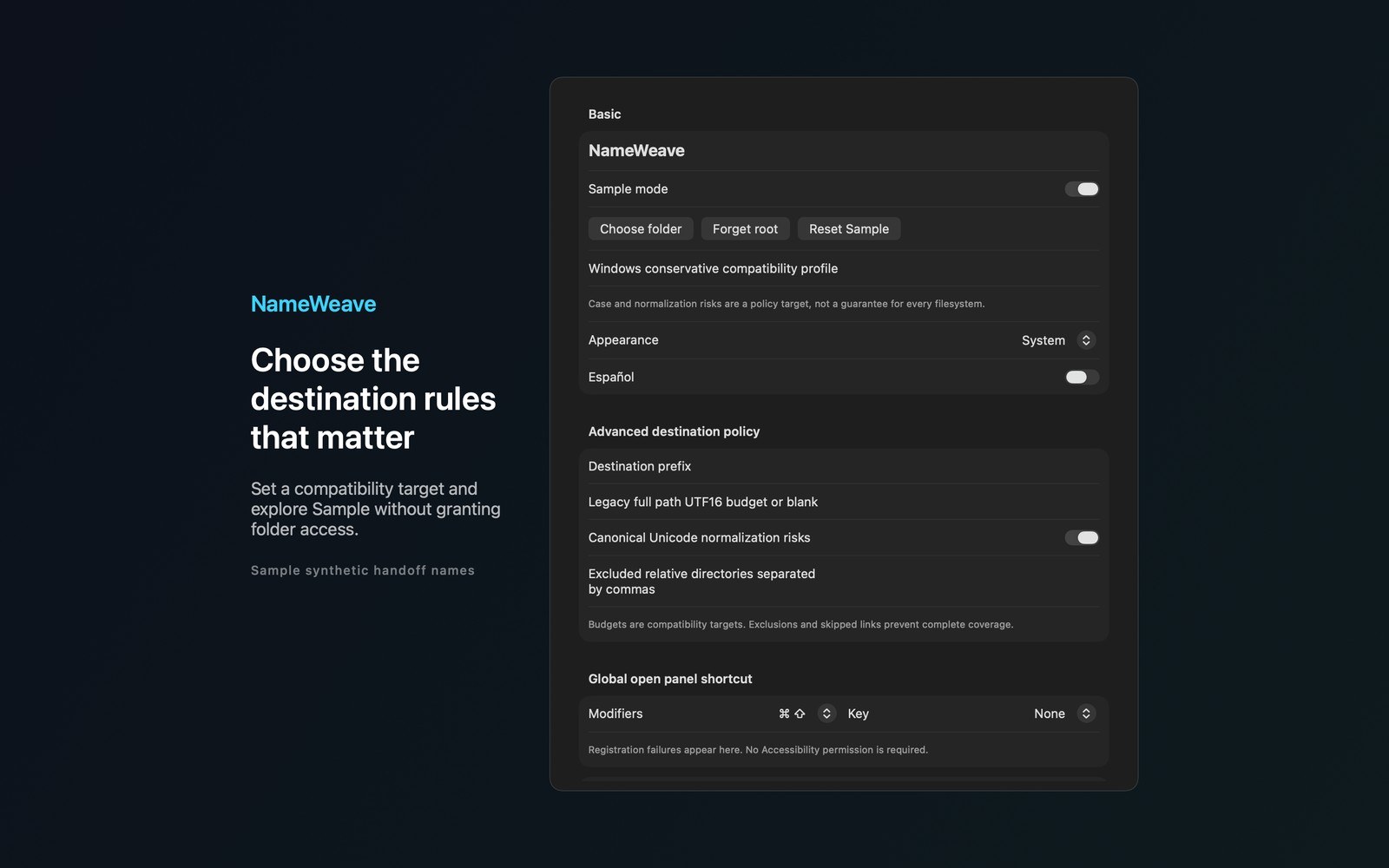
- Working with NameWeaveSet a destination prefix and an optional legacy path budget. Inaccessible folders, symbolic links, exclusions and scan limits remain visible as incomplete coverage. Hidden items are skipped and packages are reviewed as single items. Skipped dependency contents remain visible as incomplete coverage.
- Before you use itExplore labeled Sample mode immediately. All processing stays on your Mac. There are no accounts, analytics, ads or automatic network calls. All features are included in the upfront price.
Inside the app
More screenshots
Who it is for
Using NameWeave
Review a whole handoff tree and test replacement names together before sharing your folder.
Privacy and support
Read NameWeave’s privacy policy and support page.
App privacy policy · Get help with NameWeave · NameWeave support
Good to know
App details
What does NameWeave do?
Catch filename conflicts before handing a folder to another platform.