Mac menu bar app

Mute your mic with a shortcut
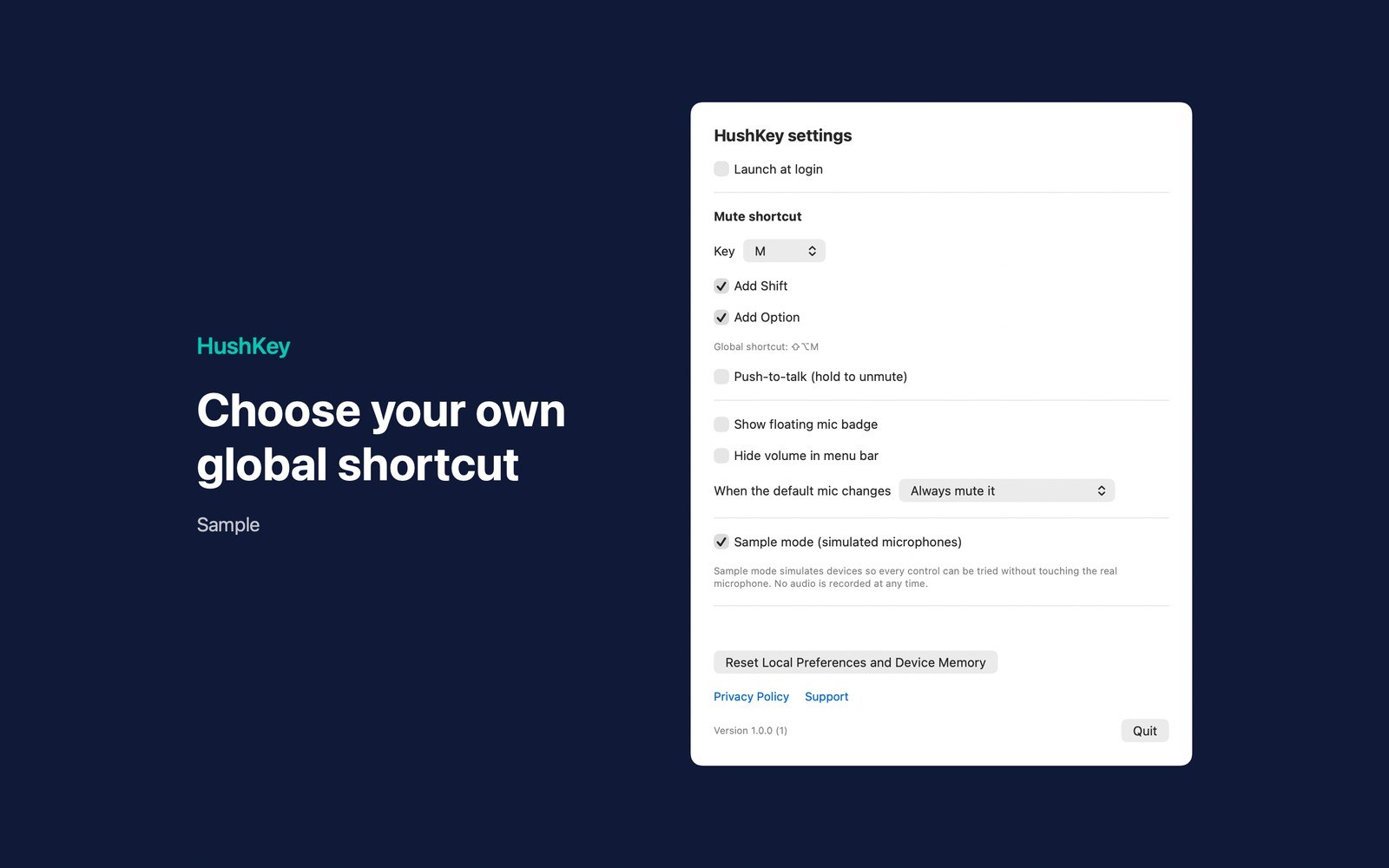
HushKey controls supported system default input devices from the menu bar or a configurable global shortcut (default Shift-Option-M).
What the price covers Mute a supported default microphone with a shortcut. Hold to talk, release to mute. No audio recording.
Check the App Store purchase and refund terms when the app is released.
Requires macOS 14.0 or later
What it does
What HushKey does
From the menu bar
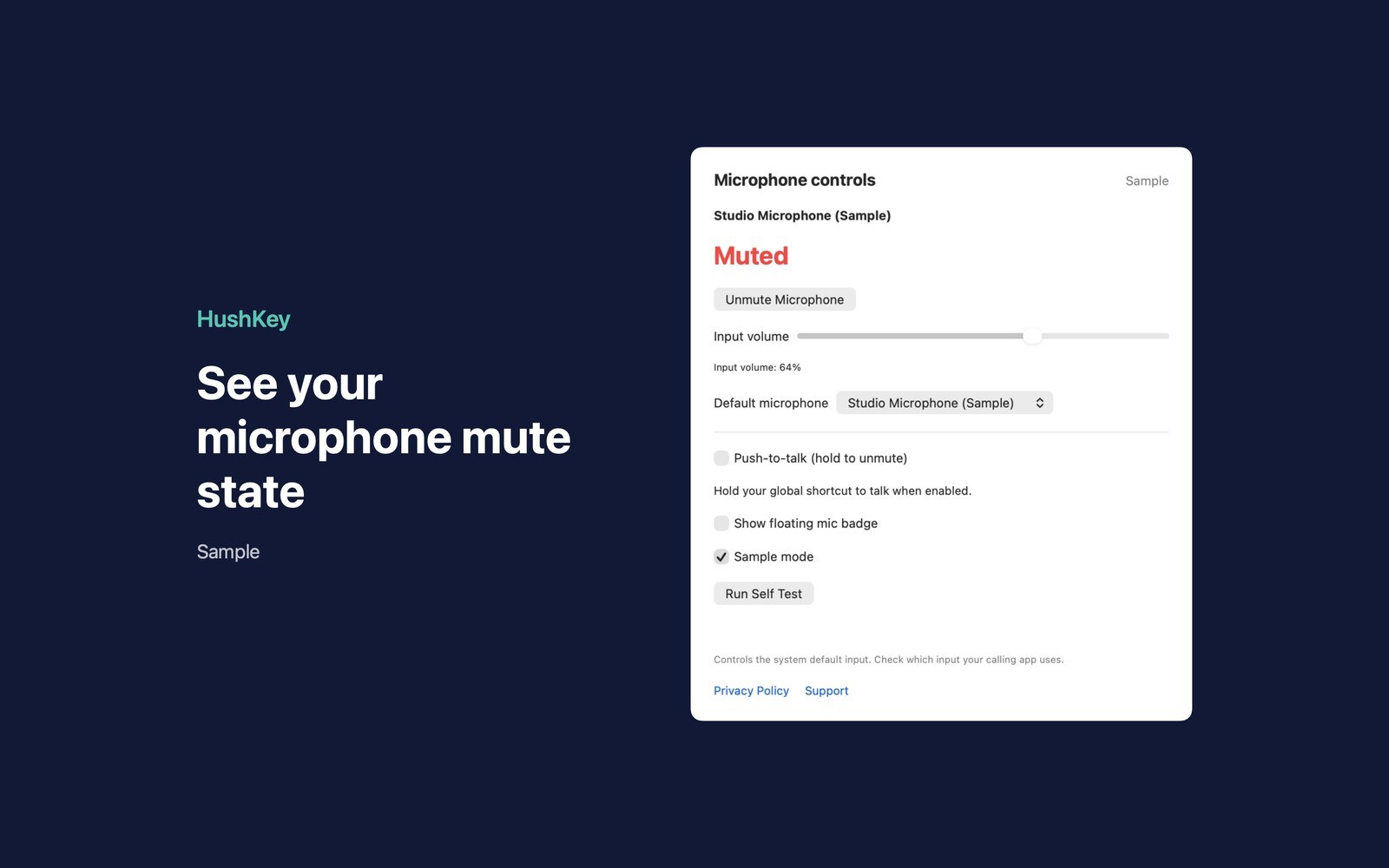
HushKey controls supported system default input devices from the menu bar or a configurable global shortcut (default Shift-Option-M). Press to mute, then press again to unmute. The indicator turns red when muted and can show input volume.
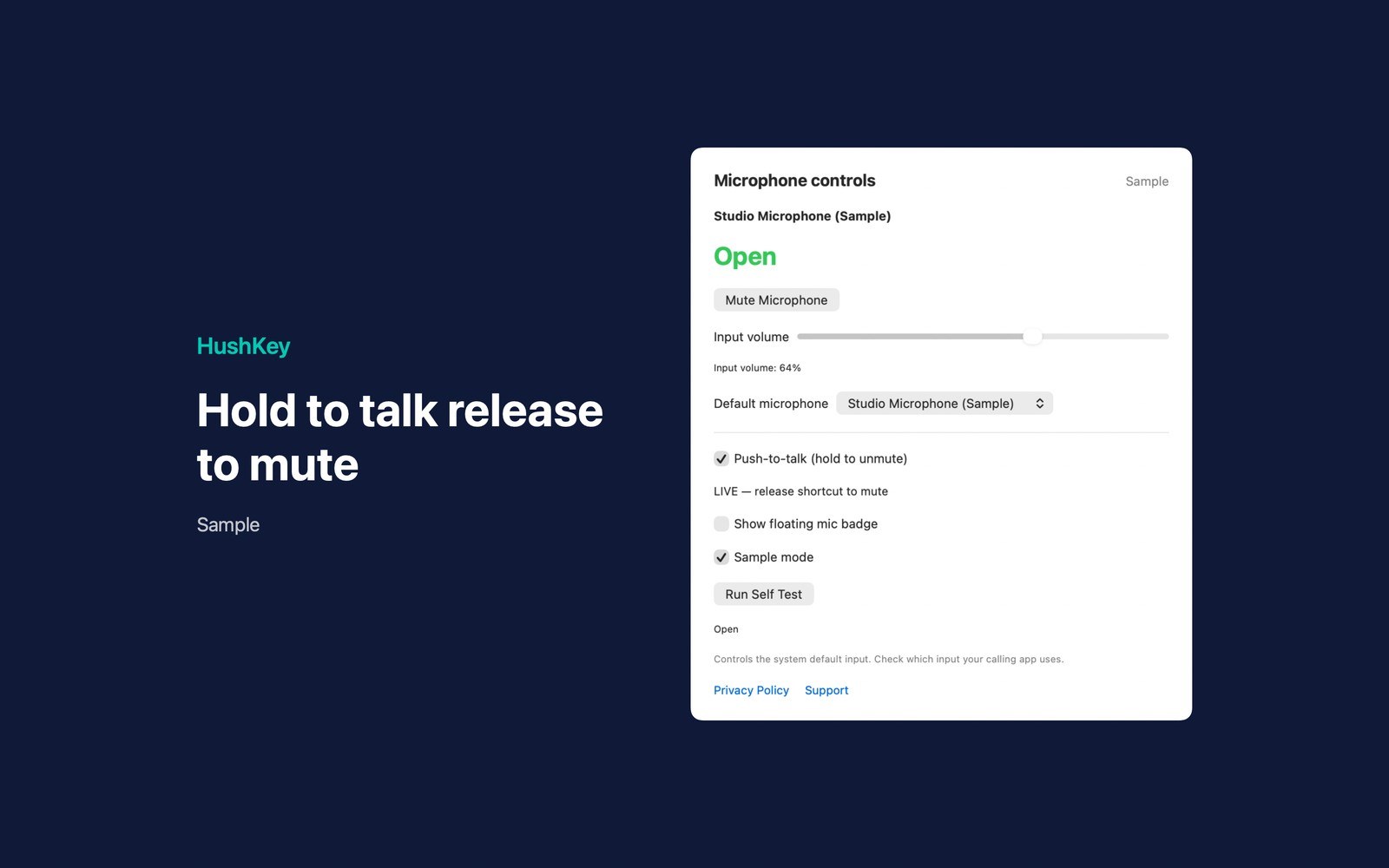
- Inside the appEnable push-to-talk to hold the shortcut to open the microphone and release to mute. An optional floating badge displays device state. HushKey doesn’t monitor what callers hear: check that your calling app uses the system default input.
- Working with HushKeyDevices with writable hardware mute use that control. Volume-only devices use input volume zero; HushKey remembers a nonzero volume and restores it on unmute, or uses half volume if none is remembered. Unsupported devices display an explanation.
- Before you use itChoose what happens when the default input changes: always mute, stay muted when HushKey muted the previous device, or do nothing. Settings include a configurable shortcut, launch at login, a floating badge, and a local-data reset. Sample mode simulates microphone controls, volume, device switching, shortcuts, push-to-talk and self-test without controlling real microphones. No accounts are required.
Inside the app
More screenshots
Who it is for
Using HushKey
Mute a supported default microphone with a shortcut. Hold to talk, release to mute. No audio recording.
Privacy and support
Read HushKey’s privacy policy and support page.
App privacy policy · Get help with HushKey · HushKey support
Good to know
App details
What does HushKey do?
HushKey controls supported system default input devices from the menu bar or a configurable global shortcut (default Shift-Option-M).