Mac menu bar app

See which Mac apps are still Intel-only.
Keep an Intel-only app count in your menu bar. Scan the folders you choose, then filter and copy the results.
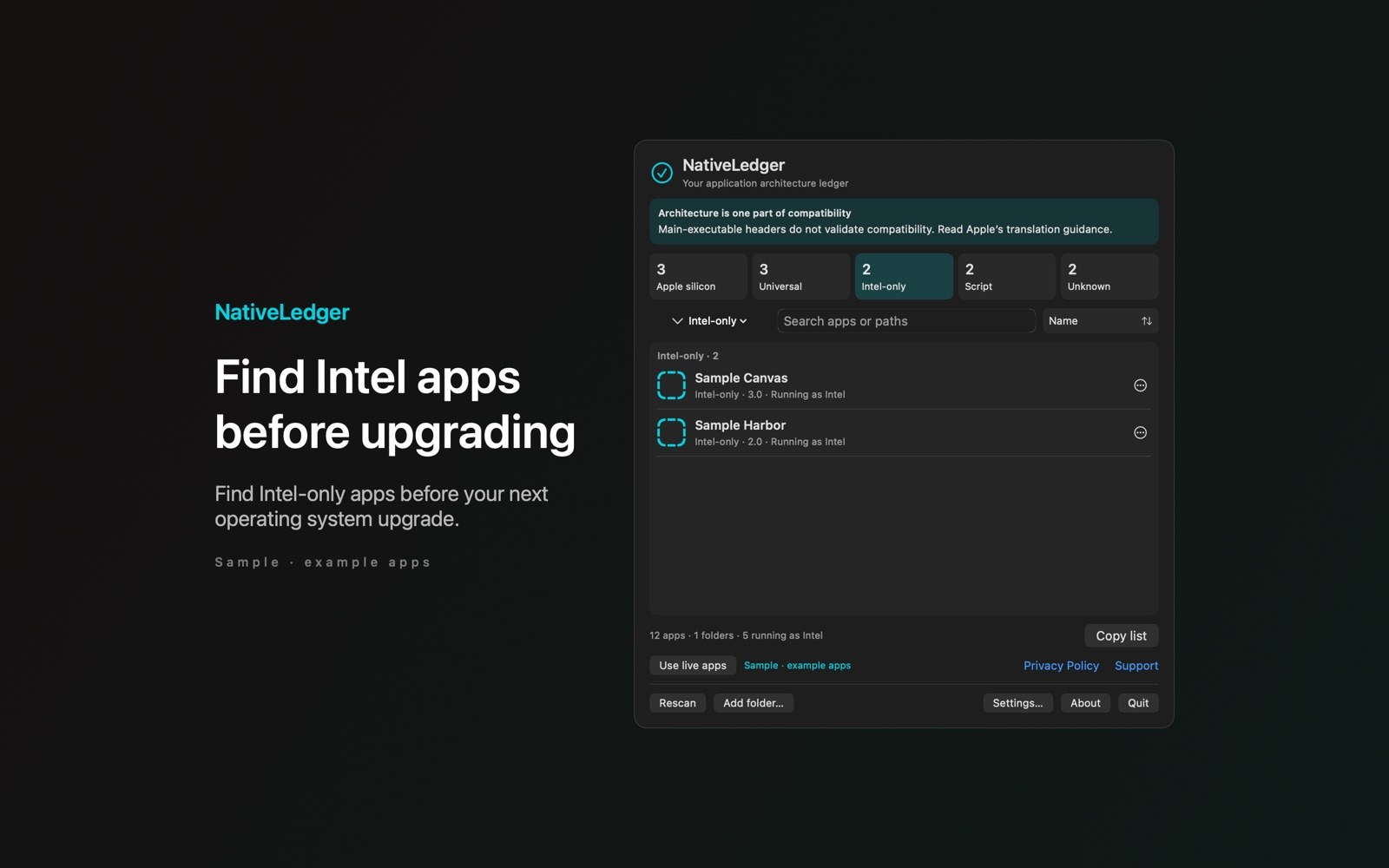
What the price covers Find Intel-only apps and copy a filtered list for your update plan.
When this app is available, check its App Store page for purchase and refund information before you buy.
Requires macOS 14.0 or later
What it does
Filter and copy your app inventory
Separate 5 architecture results
Results distinguish Universal, native silicon, Intel-only, Script, and Unknown.
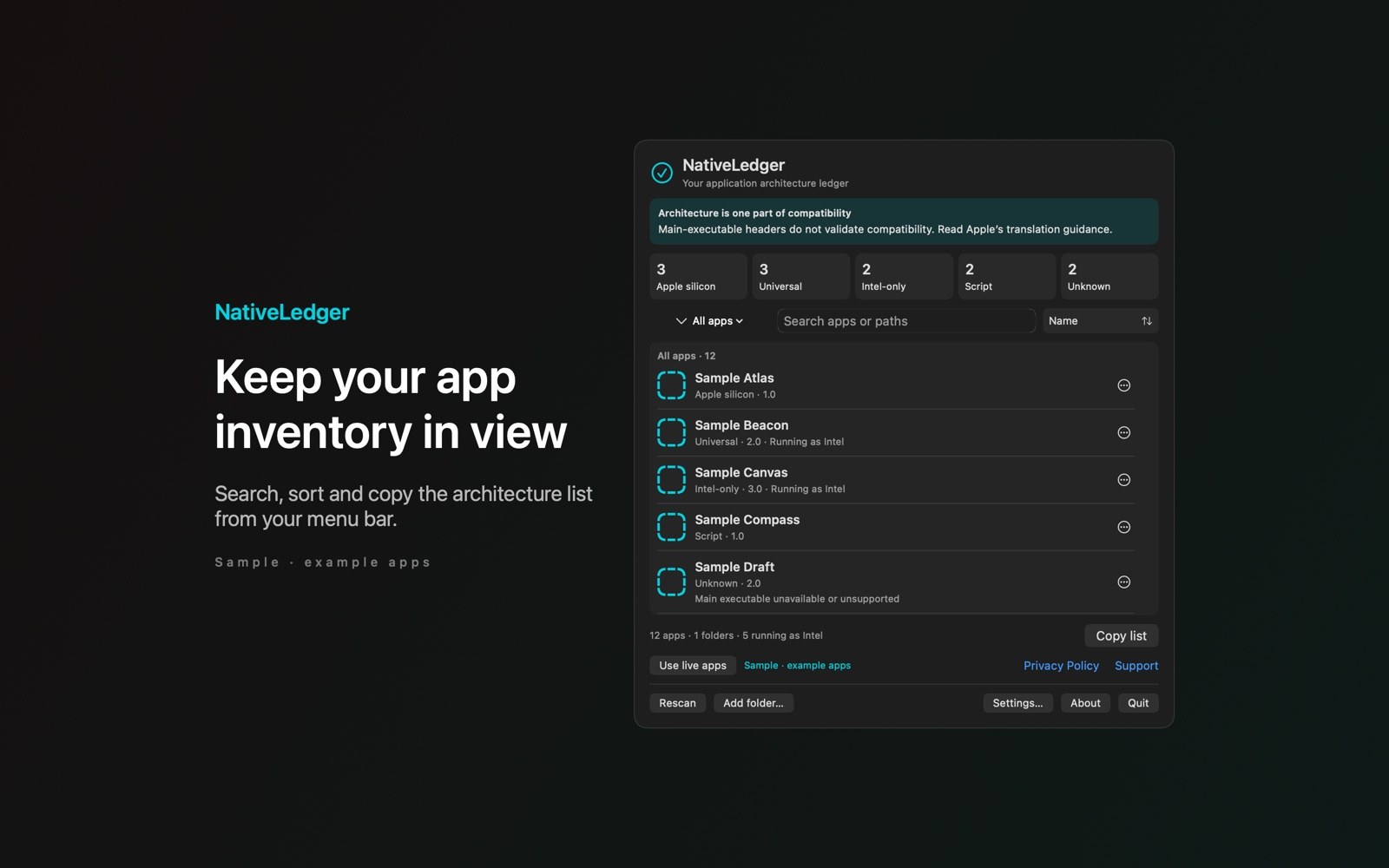
- Scan the folders you chooseScan Applications and extra folders you select; NativeLedger reads executable headers without command-line helpers.
- Copy a migration checklistFilter the inventory and copy the results as text.
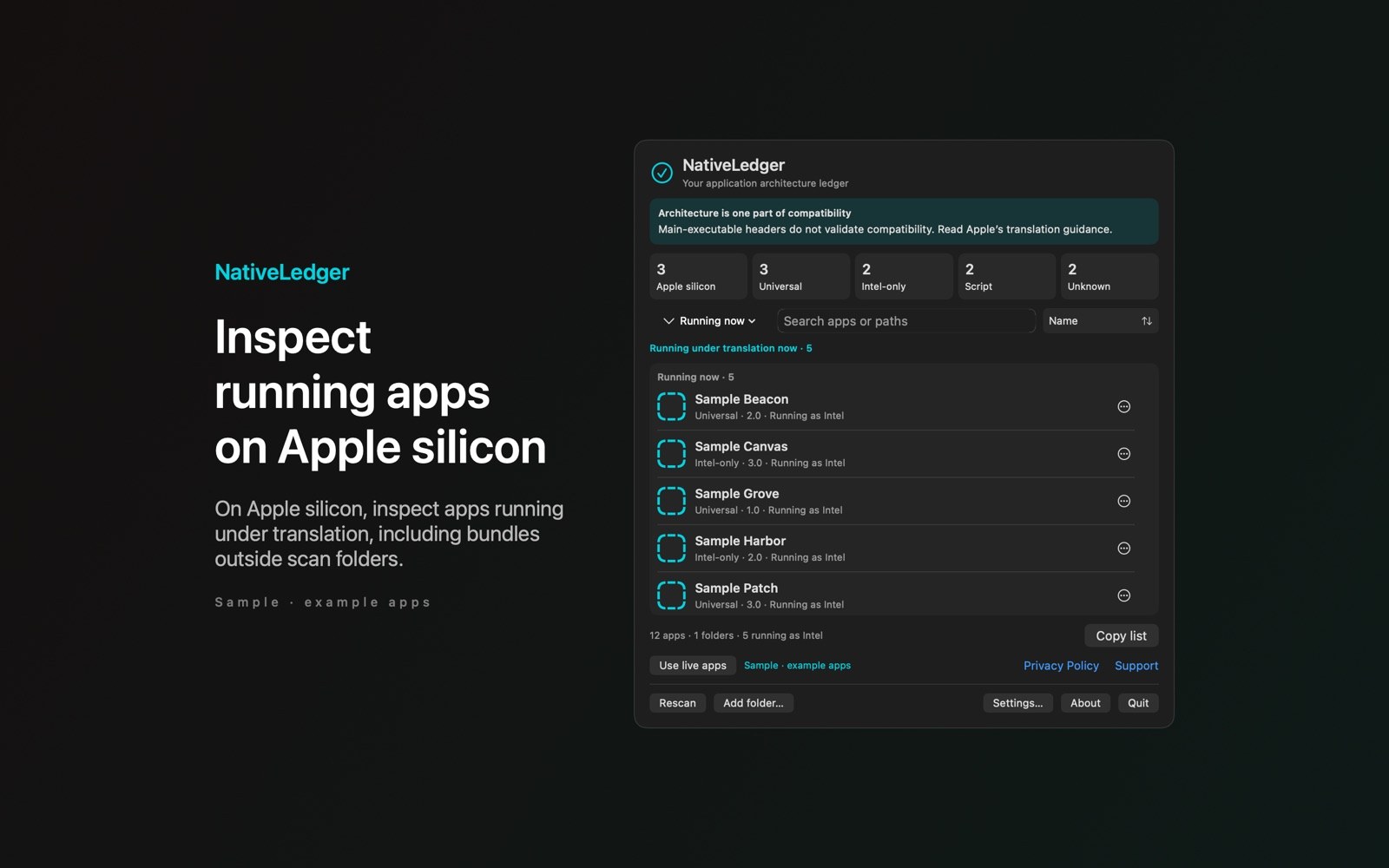
- See apps running under translationOn Apple silicon, NativeLedger can list apps running under translation, including apps outside your scan folders.
Inside the app
More screenshots
Who it is for
For planning Mac app updates
For checking app architectures while you plan updates at your own pace.
Privacy and support
Your inventory stays on your Mac; NativeLedger doesn’t upload it or run analytics.
App privacy policy · Get help with NativeLedger · Email or report an issue
Good to know
Architecture checks and their limits
Does it check helpers and plug-ins?
Only the main executable is inspected, so bundled helpers and plug-ins fall outside the result.
Finding and installing updates
NativeLedger opens an app-supplied website or update address, or a web search if neither is supplied. It doesn’t decide whether an update exists or install anything.
Does Intel-only mean an app will stop working?
No. NativeLedger reports the main executable’s architecture. That result doesn’t tell you whether the app will work with a future macOS release.