Mac menu bar app

See reported API spending in your menu bar
Read cost reports from OpenRouter, Anthropic, or OpenAI and compare each provider with a monthly budget you set.
Anthropic and OpenAI require organization admin keys. CostBar uses them to read cost reports and makes no inference requests.
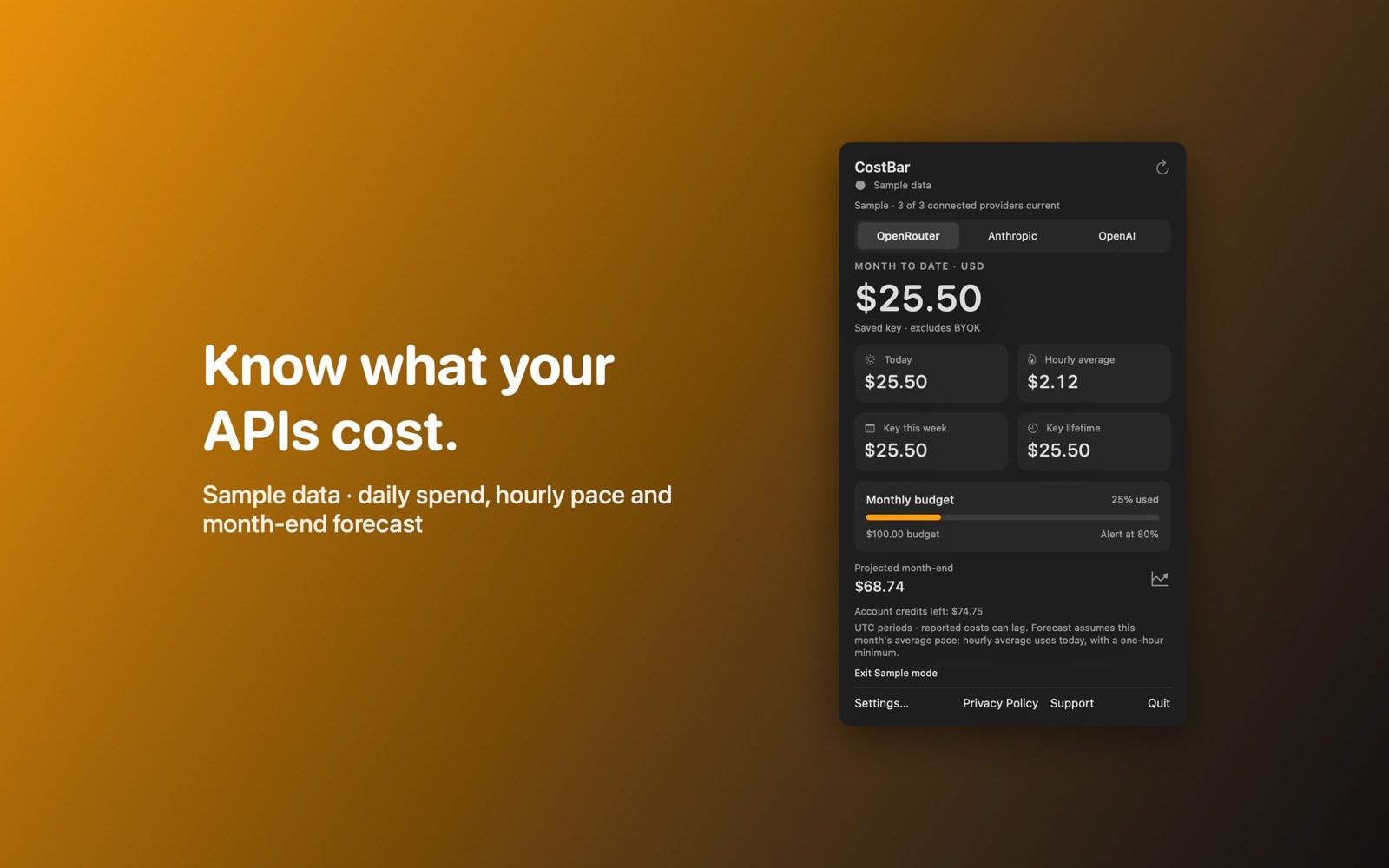
What the price covers See each provider’s reported spending against the budget you set.
When this app is available, check its App Store page for purchase and refund information before you buy.
Requires macOS 14.0 or later
What it does
Compare reported costs with your budgets
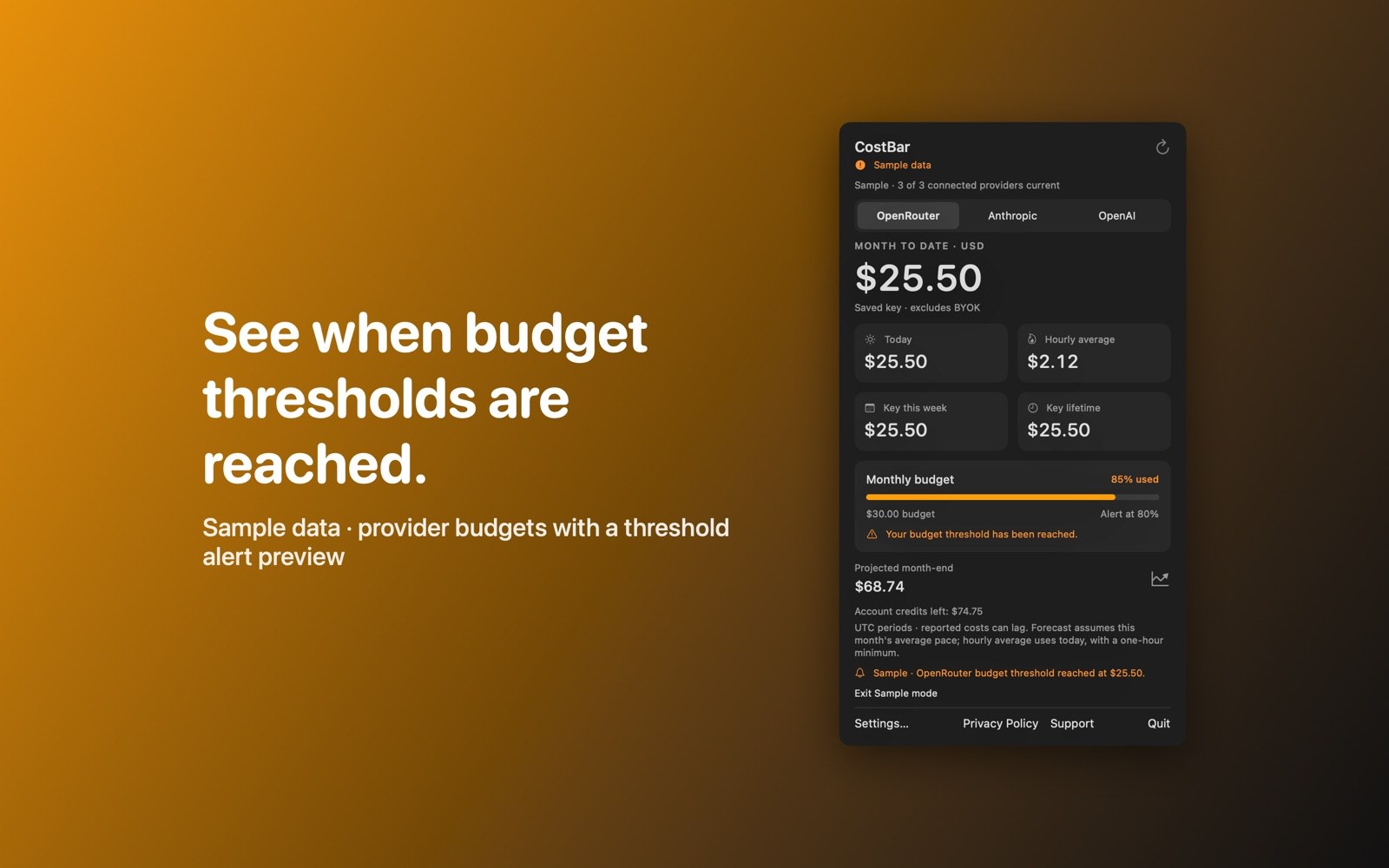
Set a budget reminder
Choose a monthly budget and notification threshold for each provider. Budgets are reminders, so they don’t cap spending.
- Keep provider totals separateConnect OpenRouter, Anthropic, or OpenAI; each provider’s billing scope stays separate.
- Read daily and monthly spendSee daily and monthly spending in USD, with reporting periods in UTC.
- Check the month-end estimateForecasts use the current spending pace and wait for at least three days and ten percent of the UTC month. They’re hidden while reports update or are incomplete or stale.
Inside the app
More screenshots
Who it is for
For tracking AI API spending
For checking reported AI API costs against budgets you set for each provider.
Privacy and support
Keys stay in the macOS Keychain and go over HTTPS only to your selected provider; CostBar sends nothing to the developer.
App privacy policy · Get help with CostBar · Email or report an issue
Good to know
Provider keys and billing reports
Required key access
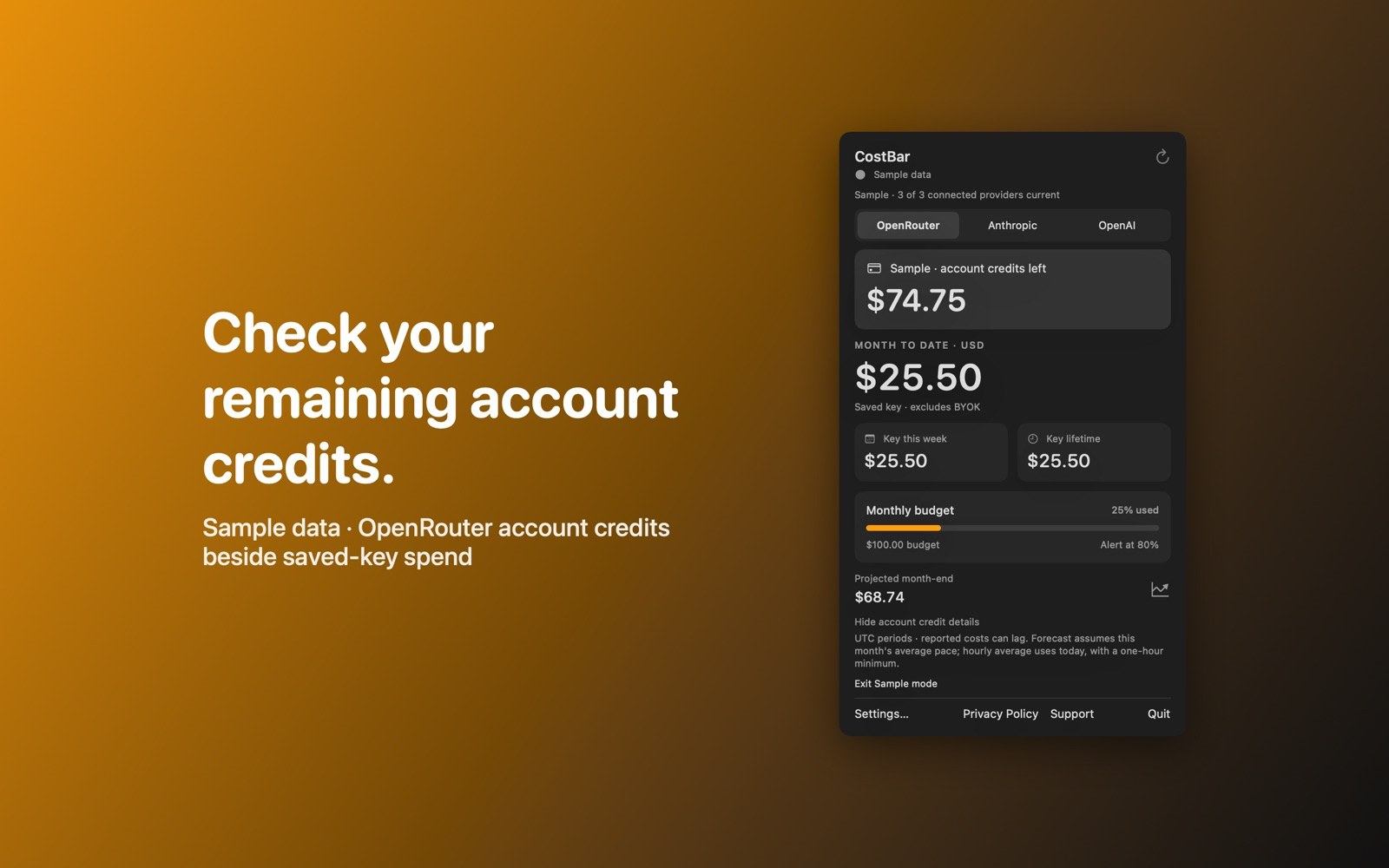
Anthropic and OpenAI require organization admin keys and report organization costs. OpenRouter reports the saved key’s spend and account credits when a management key is available. CostBar retrieves read-only reports and makes no inference requests.
Where do my API keys go?
CostBar stores keys in the macOS Keychain and sends them over HTTPS only to the provider you connect. It sends no keys or reports to Michael Lip. Anthropic and OpenAI need organization admin keys; CostBar uses them only to read cost reports and makes no inference requests.
Are these numbers my final bill?
Reports can lag, and Anthropic’s report excludes Priority Tier costs. Confirm charges in your provider’s billing dashboard.