Mac menu bar app

Tasks across notes and lists
Bring your Markdown tasks and Apple Reminders together from the menu bar.
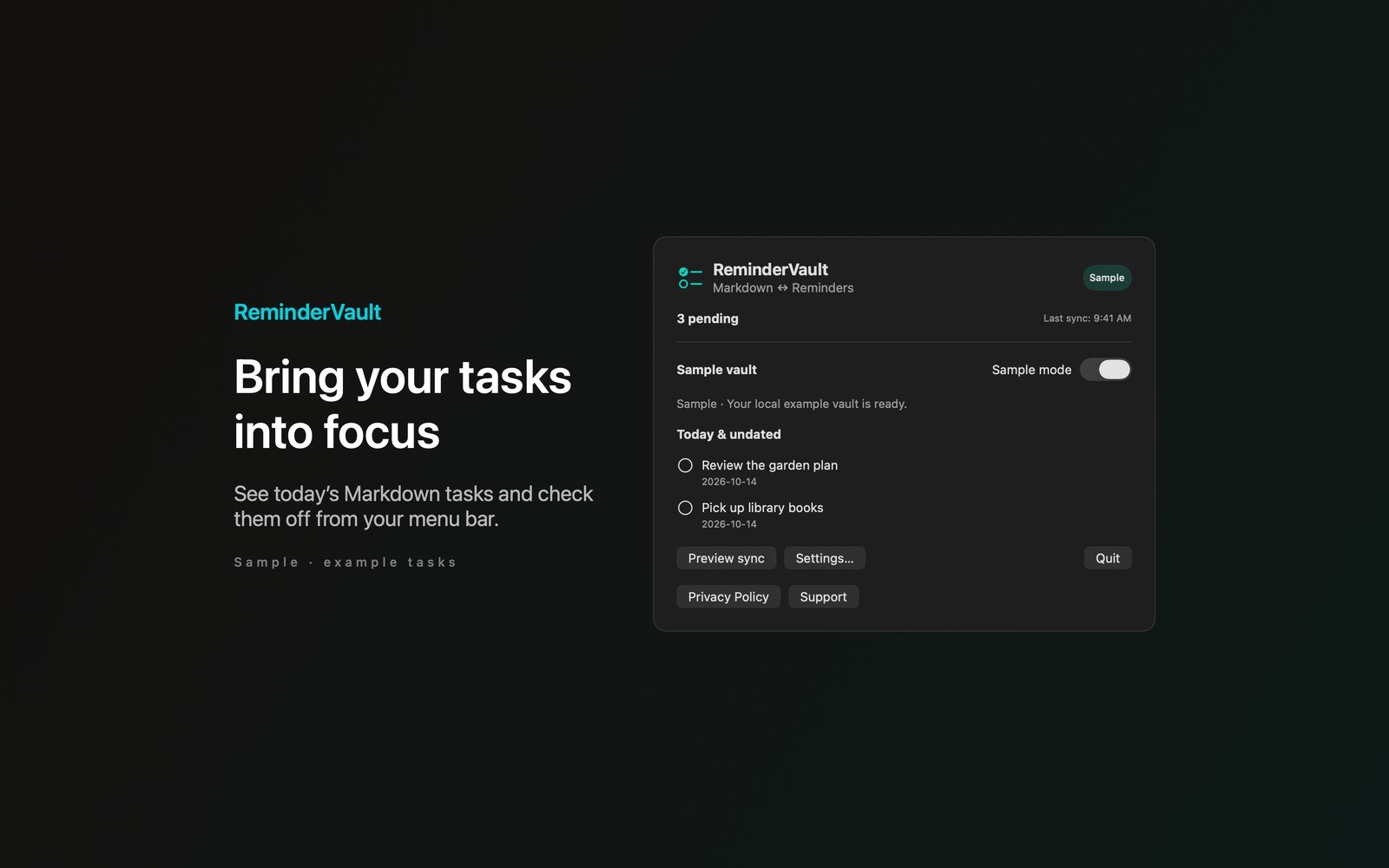
What the price covers Preview your next sync, check off today’s tasks, and keep Markdown notes connected to selected reminder lists.
Check the App Store purchase and refund terms when the app is released.
Requires macOS 14.0 or later
What it does
What ReminderVault does
From the menu bar
Bring your Markdown tasks and Apple Reminders together from the menu bar. Select an Obsidian vault folder, grant Reminders access, and choose the writable lists you want to sync. Preview the proposed changes before applying your first sync each session.

- Inside the appReminderVault syncs task titles, completion, and optional calendar due dates written as YYYY-MM-DD. Tasks use standard - [ ] and - [x] Markdown syntax. Stable identifiers are stored in small HTML comments beside tasks and in reminder notes. Other Markdown lines remain unchanged.
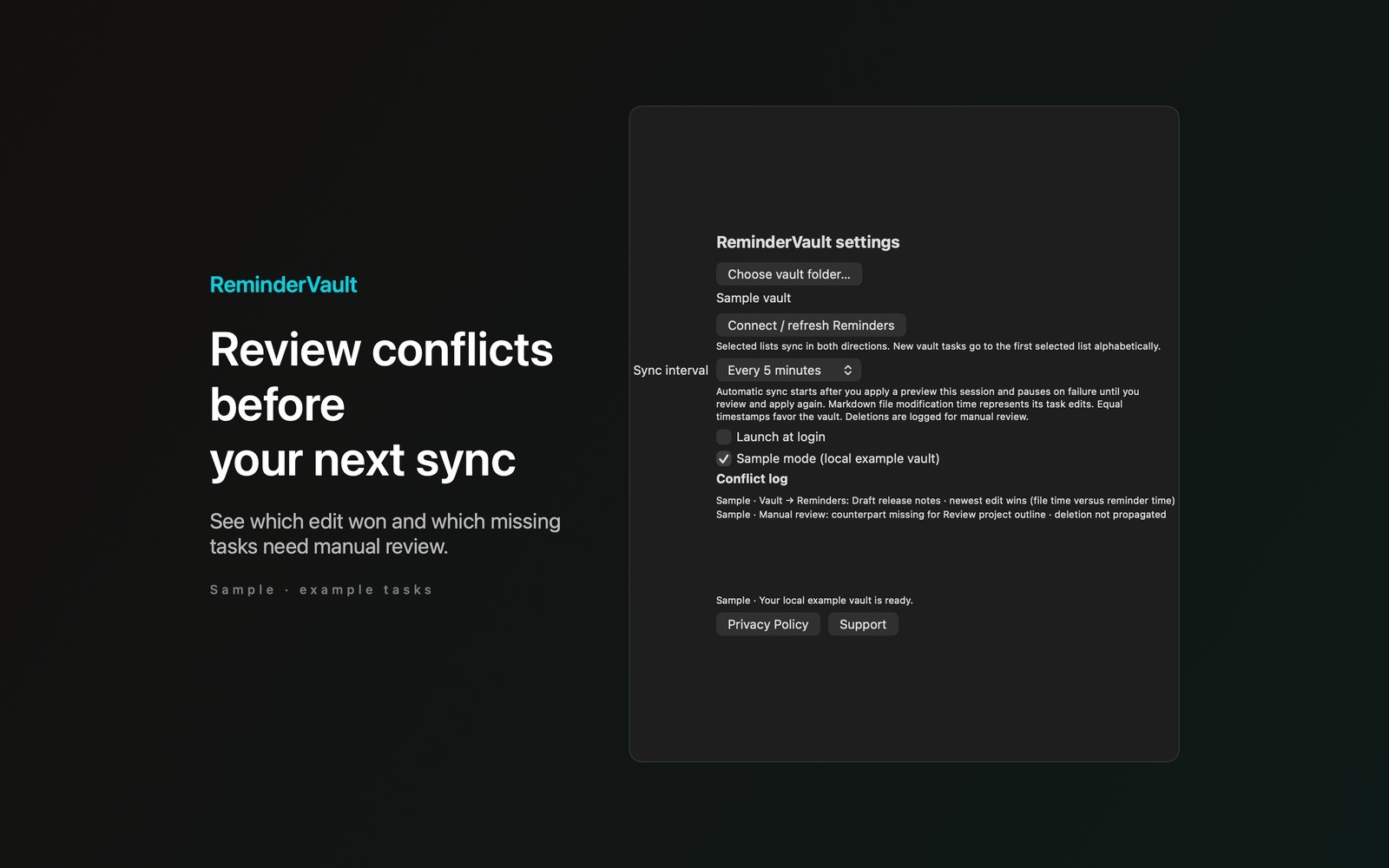
- Working with ReminderVaultSee today’s pending and undated tasks in the menu panel, with overdue tasks included. Check a task off to write its completion back through the sync engine. A menu bar count and last-sync time keep the current state visible. Select an automatic sync interval in Settings after applying a preview.
- Before you use itWhen both sides change, the newest edit wins and a local conflict log records the decision. Markdown modification time is measured at the file level; equal timestamps favor the vault. Deletions aren’t propagated: missing counterparts appear for manual review. Fenced code blocks, hidden files and symbolic links are skipped.
Inside the app
More screenshots
Who it is for
Using ReminderVault
Preview your next sync, check off today’s tasks, and keep Markdown notes connected to selected reminder lists.
Privacy and support
Read ReminderVault’s privacy policy and support page.
App privacy policy · Get help with ReminderVault · ReminderVault support
Good to know
App details
What does ReminderVault do?
Bring your Markdown tasks and Apple Reminders together from the menu bar.