Mac menu bar app

Preview broken document links
See which document links a proposed move would break before you change your files.
What the price covers Preview a document move and copy suggested link replacements before changing your documentation tree. Read access only and local processing.
Check the App Store purchase and refund terms when the app is released.
Requires macOS 14.0 or later
What it does
What LinkSprig does
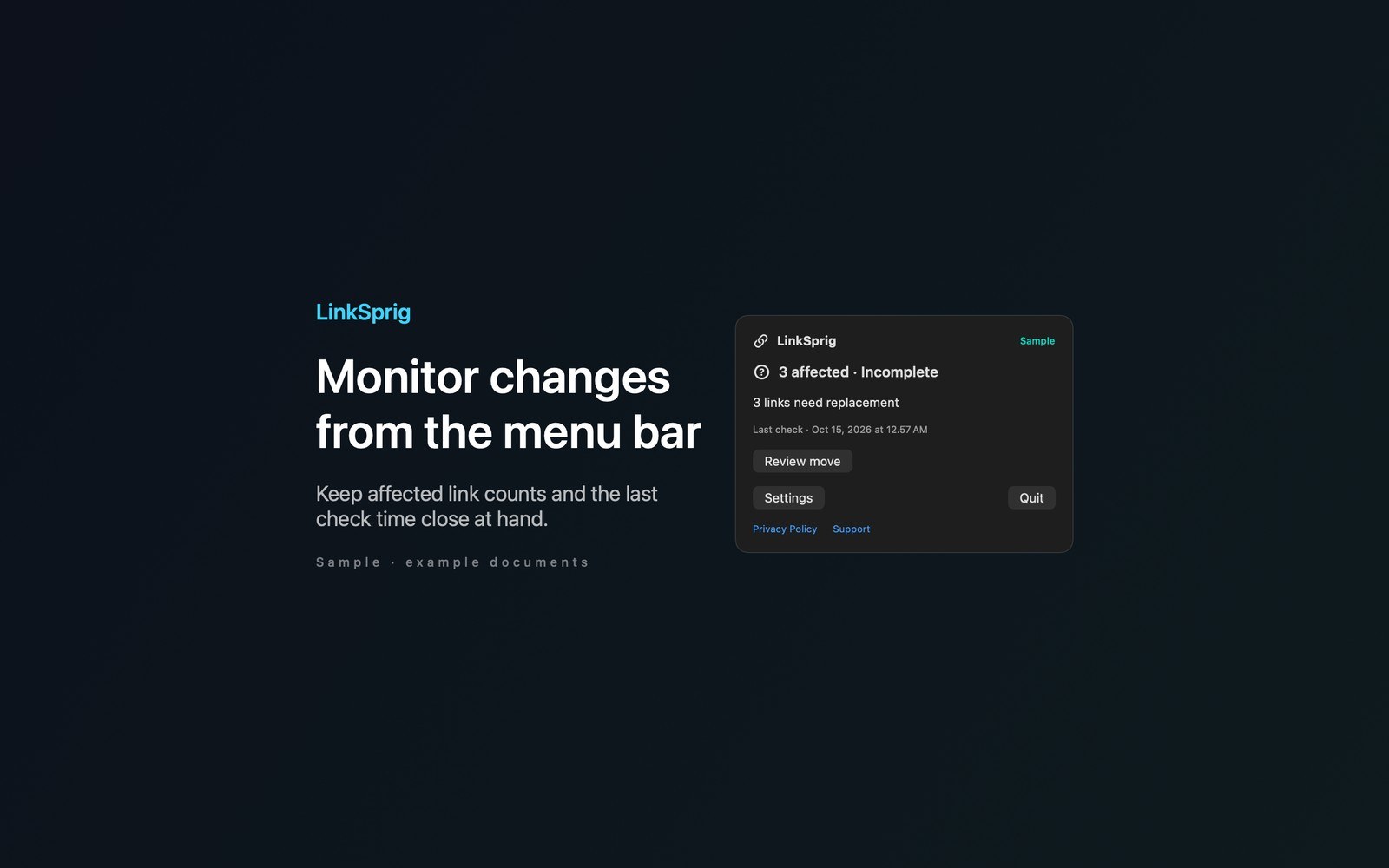
From the menu bar
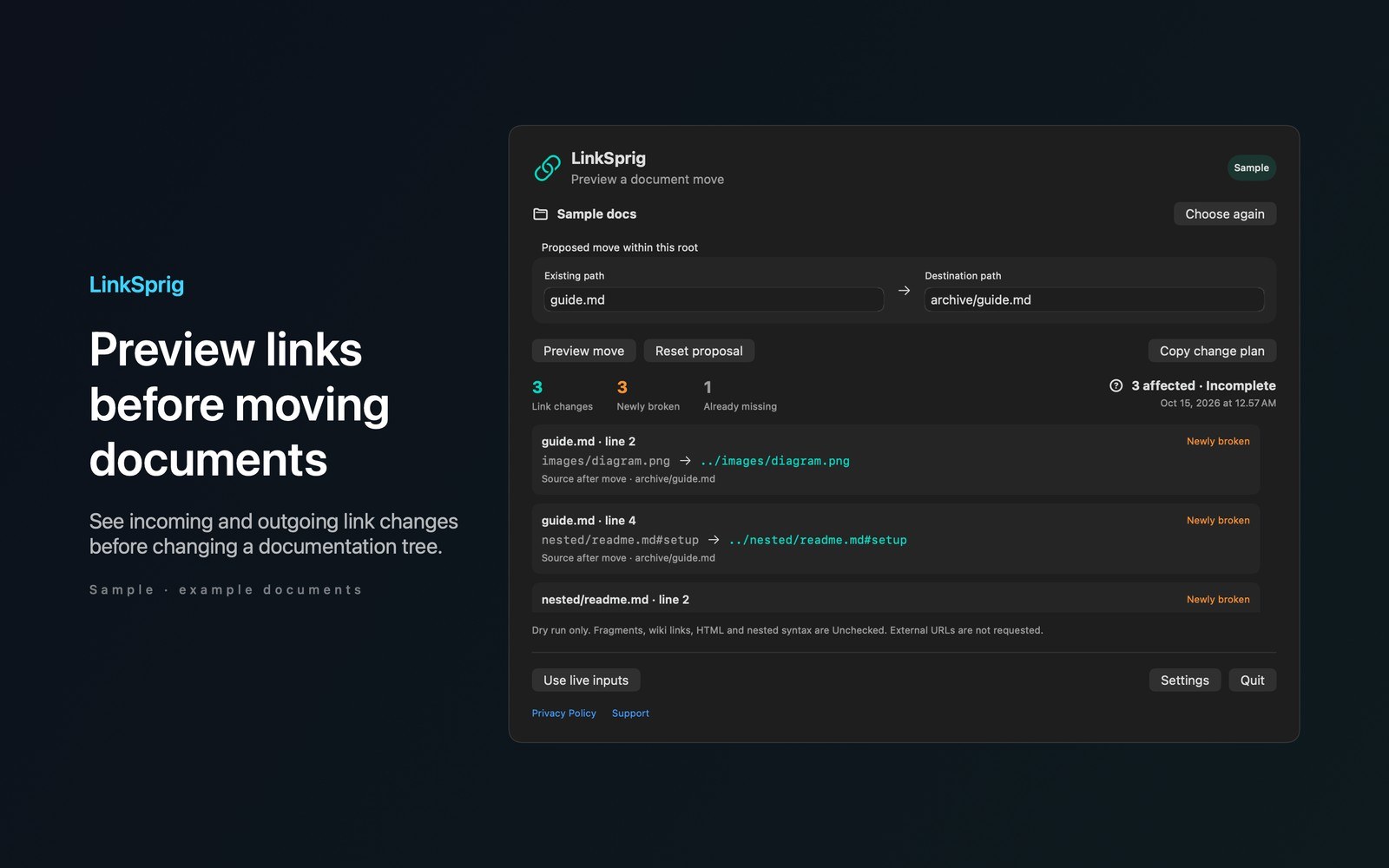
See which document links a proposed move would break before you change your files. Review incoming and outgoing links and copy a path change plan with original targets, replacements and line numbers.
- Inside the appChoose a documentation folder and enter an existing file or folder path plus its proposed destination. LinkSprig simulates the move without writing to your documents. Newly broken links appear separately from targets that were already missing. Inline Markdown links, images and simple reference definitions are checked locally.
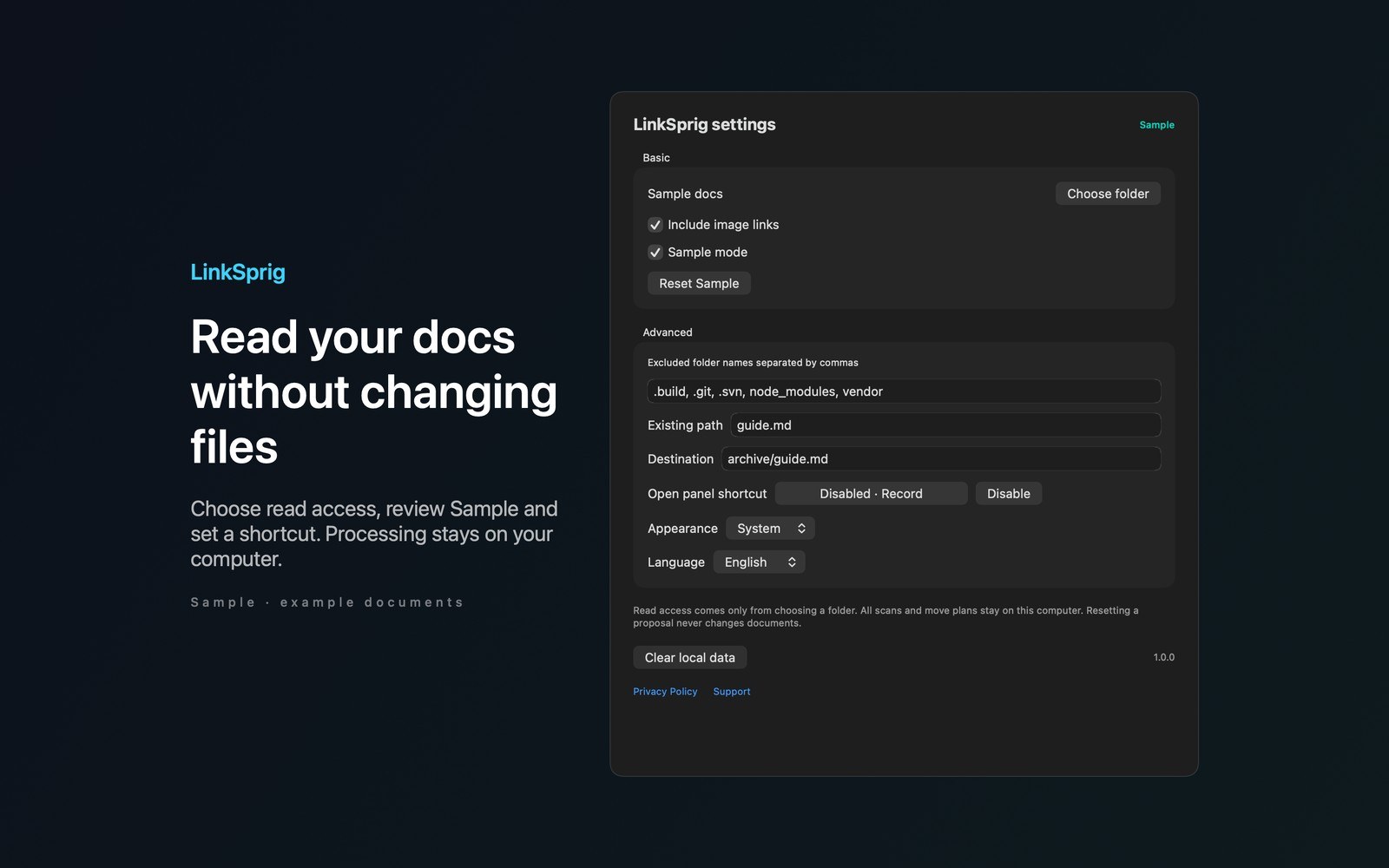
- Working with LinkSprigTry Sample immediately to explore a document move without selecting files. Settings include image links, excluded folders, appearance, language and a disabled by default remappable panel shortcut.
- Before you use itYour files, bookmarks and settings stay on your Mac. No accounts, analytics, ads, cloud sync or automatic network calls. All features are included in one purchase. More Mac menu bar apps by Barframe at barframe.com.
Inside the app
More screenshots
Who it is for
Using LinkSprig
Preview a document move and copy suggested link replacements before changing your documentation tree. Read access only and local processing.
Privacy and support
Read LinkSprig’s privacy policy and support page.
App privacy policy · Get help with LinkSprig · LinkSprig support
Good to know
App details
What does LinkSprig do?
See which document links a proposed move would break before you change your files.