Mac menu bar app

A shelf between your apps
ShelfDock keeps files, folders, text, and images on a local menu bar shelf while you move between apps.
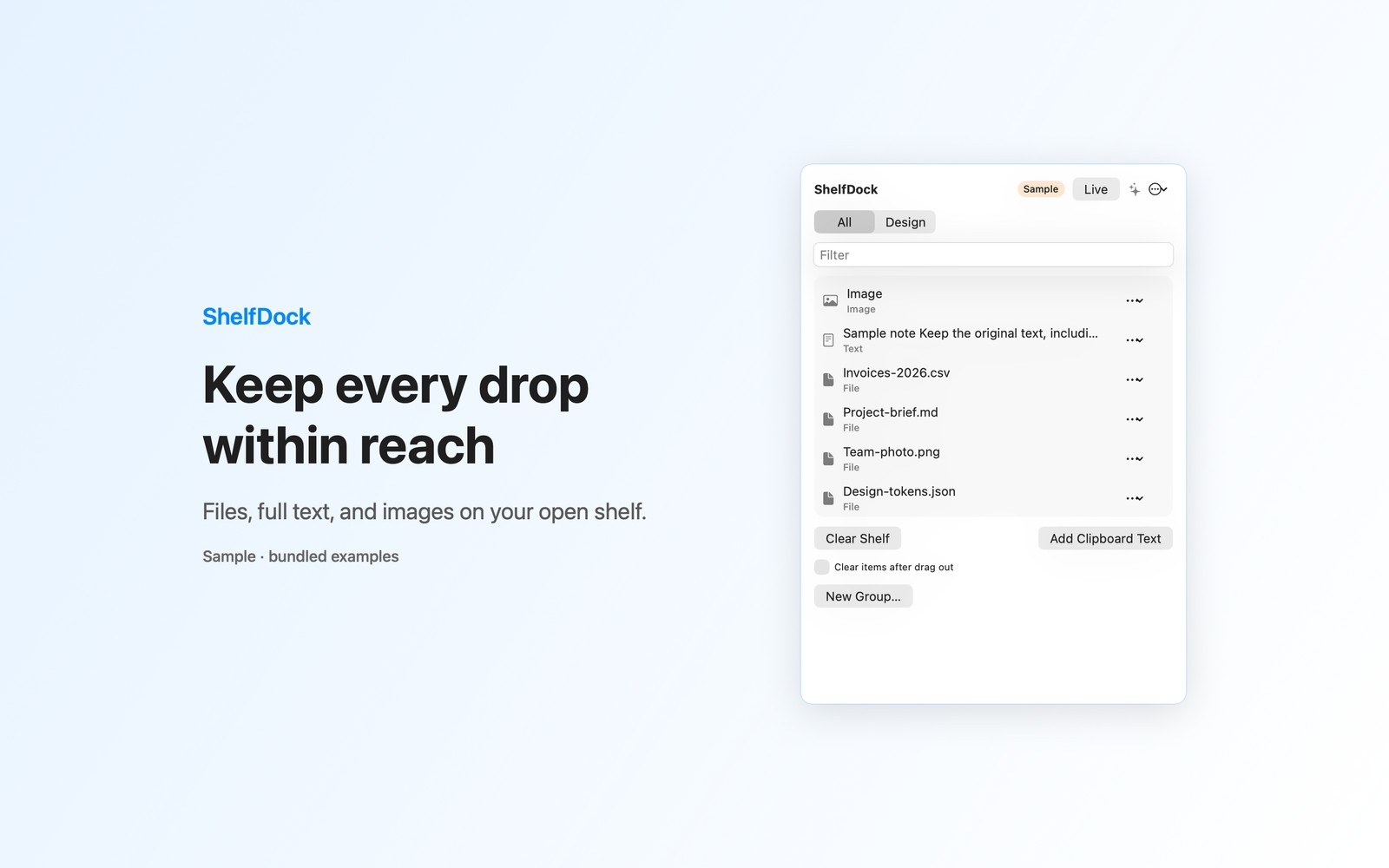
What the price covers Park files, full text, and images on your shelf. Organize groups, preview items, and drag them between compatible apps. Try every shelf action with Sample mode.
Check the App Store purchase and refund terms when the app is released.
Requires macOS 14.0 or later
What it does
What ShelfDock does
From the menu bar
ShelfDock keeps files, folders, text, and images on a local menu bar shelf while you move between apps. Click the tray icon, then drop items onto the open shelf window. Drag a row into a compatible destination app, or use its menu to copy, share, preview, move, or remove it. Keep up to 40 items and organize them into named groups.
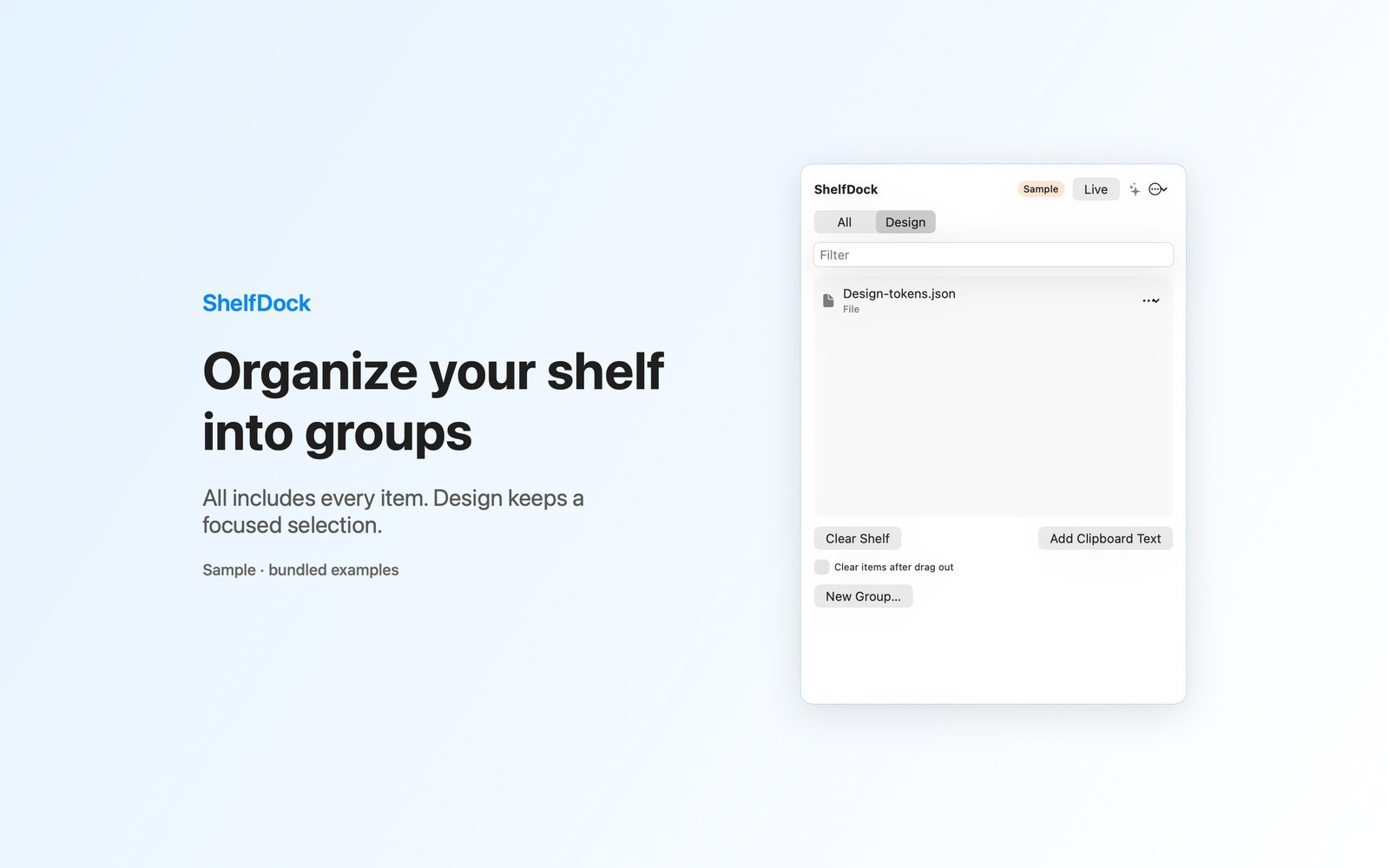
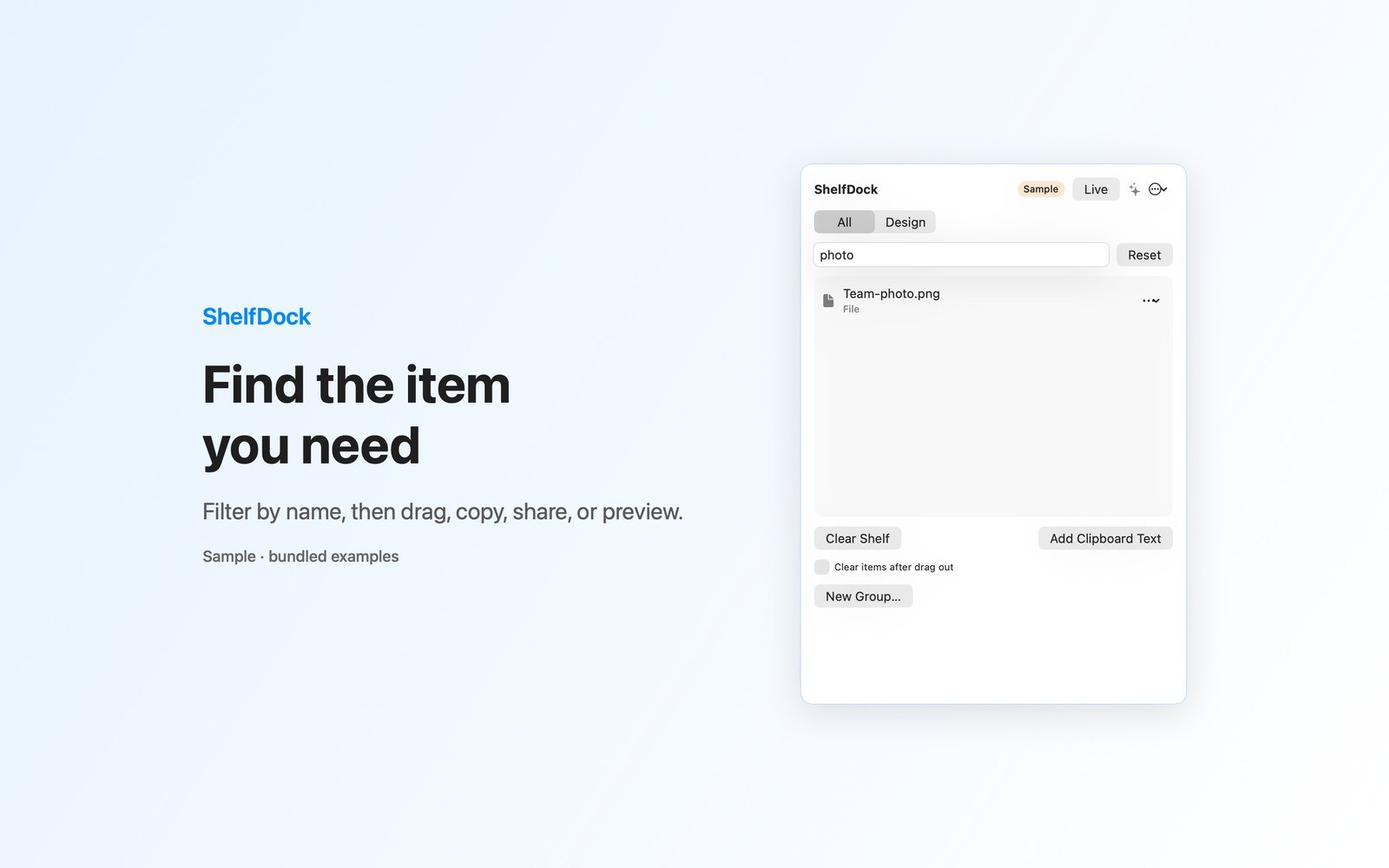
- Inside the appAll shows every item; new drops enter the selected group. Filter by name and reset a search with no results. Preserve full text and image data, with file references saved across relaunches.
- Working with ShelfDockPreview files, text, and images with Quick Look. Share through the system sharing picker; available services depend on your system. Optionally clear a row after an accepted drag, with Undo for cleared items.
- Before you use itPaste clipboard text and try an isolated Sample shelf with bundled files. Configure launch at login in Settings. Shelf data stays in the app container. File bookmarks refer to originals rather than copying them.
Inside the app
More screenshots
Who it is for
Using ShelfDock
Park files, full text, and images on your shelf. Organize groups, preview items, and drag them between compatible apps. Try every shelf action with Sample mode.
Privacy and support
Read ShelfDock’s privacy policy and support page.
App privacy policy · Get help with ShelfDock · ShelfDock support
Good to know
App details
What does ShelfDock do?
ShelfDock keeps files, folders, text, and images on a local menu bar shelf while you move between apps.