Mac menu bar app

Meeting countdown & timeline
MeetNext puts your next meeting title and countdown in the menu bar.

What the price covers See your next meeting in the menu bar, join it in one click, and see your whole day as a busy/free timeline.
Check the App Store purchase and refund terms when the app is released.
Requires macOS 14.0 or later
What it does
What MeetNext does
From the menu bar
MeetNext puts your next meeting title and countdown in the menu bar.

- Inside the appClick the menu bar item to open a compact window with today's busy/free timeline, a now marker, the next meeting countdown, and start times for the next five events. The next meeting card offers Join whenever a supported link is present, including before the meeting starts. MeetNext recognizes Zoom, Google Meet, Microsoft Teams and Webex links in event URLs, locations and notes. Join opens the original invitation URL in your browser or meeting app.
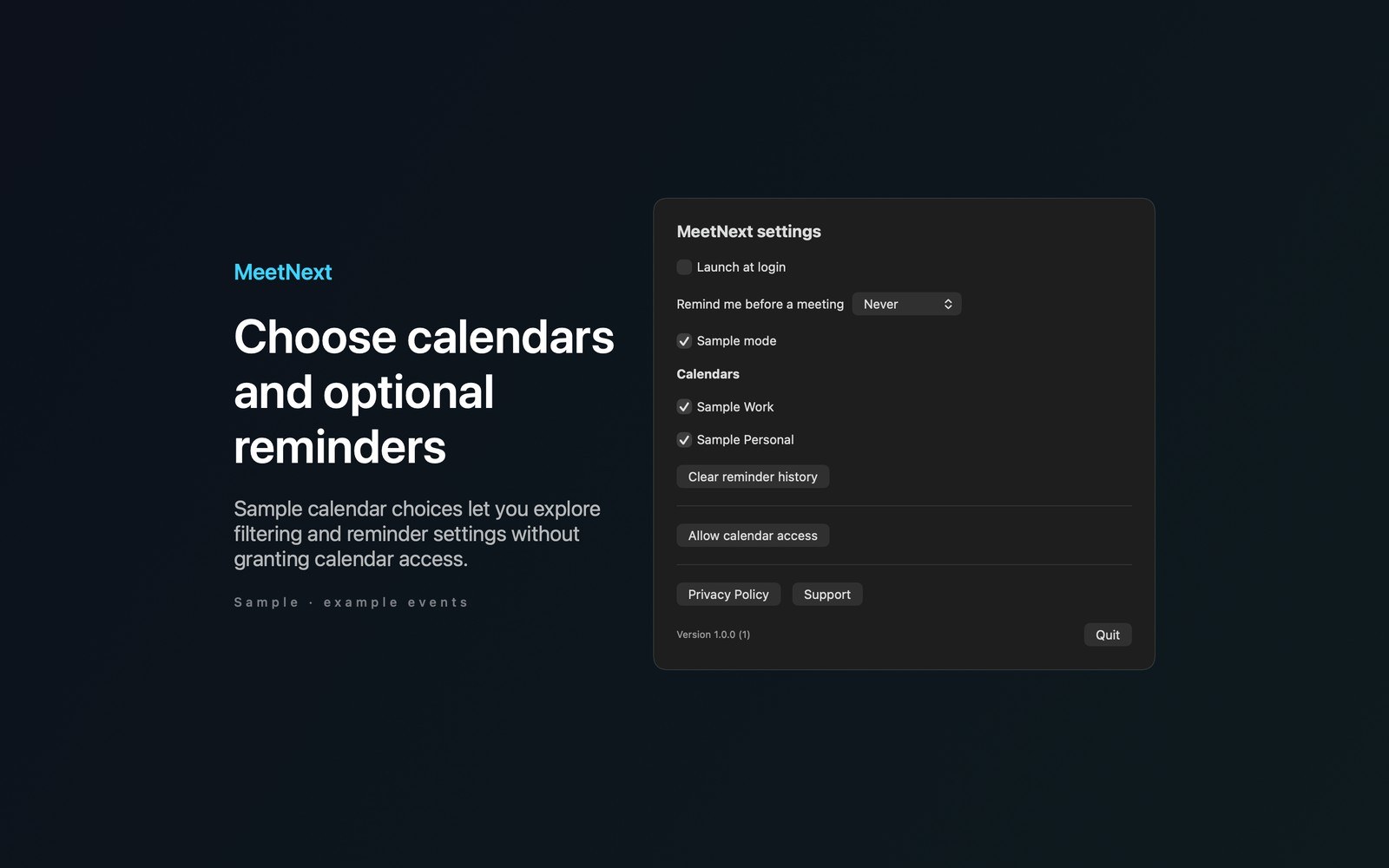
- Working with MeetNextChoose which calendars to display in Settings. With permission, MeetNext reads today and tomorrow's events. All-day and zero-length events are excluded. Optional local reminders are available before meetings.
- Before you use itTry Sample from the main window or Settings without calendar access. Explore example events, calendar filtering, countdowns, a Join preview and reminders without credentials. Calendar processing stays on your Mac. MeetNext has no analytics or developer data collection.
Inside the app
More screenshots
Who it is for
Using MeetNext
See your next meeting in the menu bar, join it in one click, and see your whole day as a busy/free timeline.
Privacy and support
Read MeetNext’s privacy policy and support page.
App privacy policy · Get help with MeetNext · MeetNext support
Good to know
App details
What does MeetNext do?
MeetNext puts your next meeting title and countdown in the menu bar.